
Platform
Trade from the browser
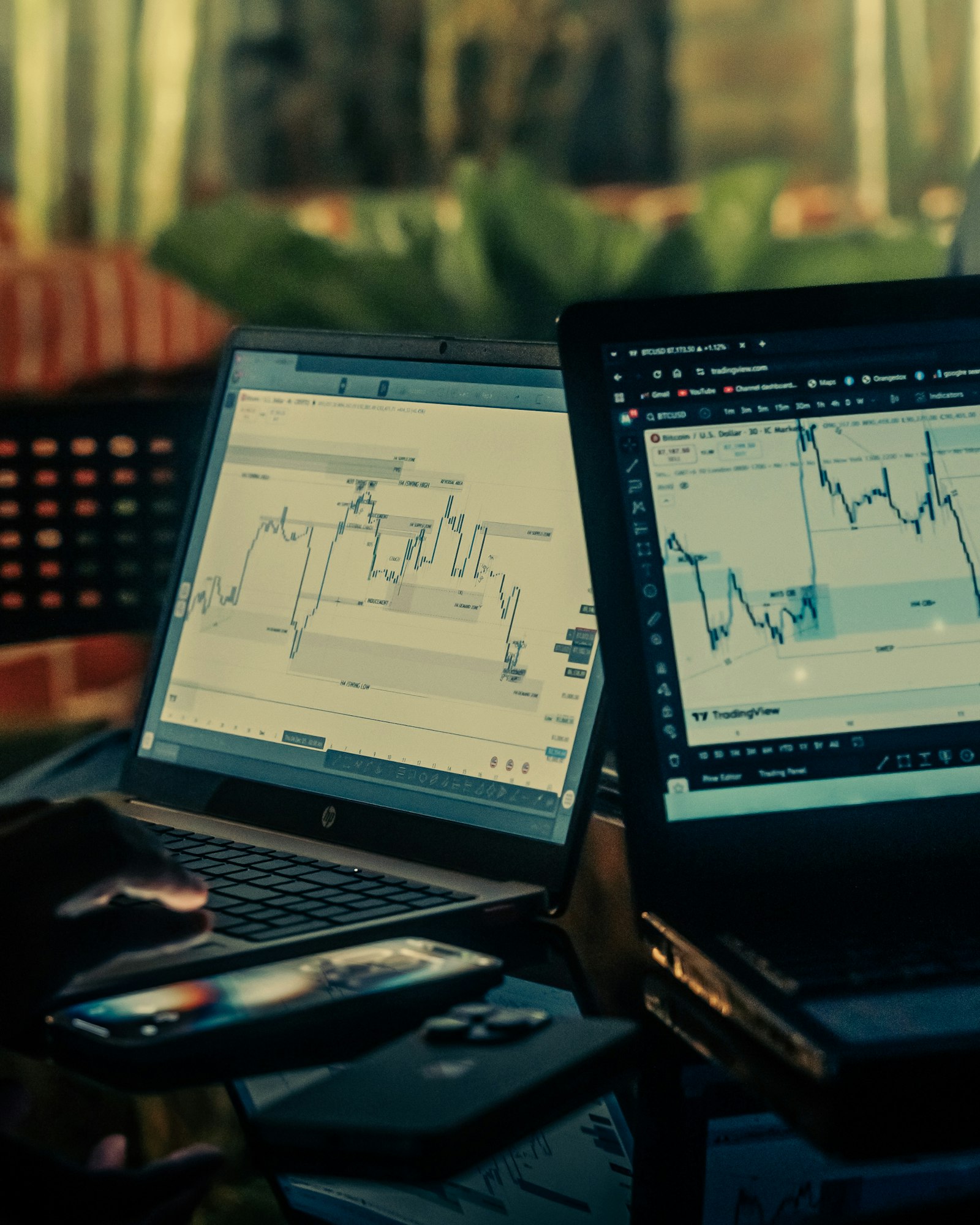
The web platform is the working desk: a chart, a watchlist, positions and an order ticket. You do not install a terminal. Sign in from a current browser and the same account follows you.

01 — Platform
Chart and ticket together
Change timeframe, read the quote, and send a market or pending order without leaving the symbol.
Open account
02 — Platform
Watchlists
Pin the symbols you follow so the next session starts on your markets, not a blank search.
Open account
03 — Platform
Positions in view
Open trades, margin and the USD wallet sit beside the chart so size is visible before you add risk.
Open account
04 — Platform
Sign-in protection
Email verification is required. You can add an authenticator code as a second step.
Open account- No install
- Browser
- On the ticket
- Chart
- Risk tools
- Stops
- Optional
- 2FA
On the web ticket
The quote, the spread and the session for one pair, with the rest of the watchlist beside it.
Loading quotes
Loading the latest prices…
Chart and ticket together
Change timeframe, read the quote, and send a market or pending order without leaving the symbol.
Watchlists
Pin the symbols you follow so the next session starts on your markets, not a blank search.
Positions in view
Open trades, margin and the USD wallet sit beside the chart so size is visible before you add risk.
Sign-in protection
Email verification is required. You can add an authenticator code as a second step.
What the desk includes
The web app is built for the order, not for a separate download. After login you land on the portfolio and can move into any enabled market.
- Symbol search across forex, shares, indices, commodities, crypto and ETFs.
- Order ticket with size, side and protective levels where the market supports them.
- History of fills and wallet movements in the USD account.
- Language and display-currency controls in the header. Settlement stays USD.
A sensible first session
The first login is for orientation. Learn where margin, the ticket and open positions live before you increase size.
- Open one liquid symbol, such as a major FX pair or a large index.
- Read the margin the ticket asks for at your size.
- Place a small order only after the quote and the wallet balance make sense.
- Close or reduce the position the same way you opened it.
How to get started
01
Open an account
Use the registration form. You will confirm the email address before the desk unlocks.
02
Sign in
The web platform is the same site. There is no separate terminal password.
03
Trade a symbol
Search, check the quote, set size, and submit. Fills appear on the position list.
FAQ
Does it work on a phone?
The site is usable on a phone browser. A wider screen makes the chart and ticket easier to read together.
Can I chart without trading?
After you sign in you can open charts and watchlists. An order is only sent when you submit the ticket.
Where are my statements?
Fills and wallet entries are listed in the account after login. Amounts are stored in USD.